What Is Lusha, Really?
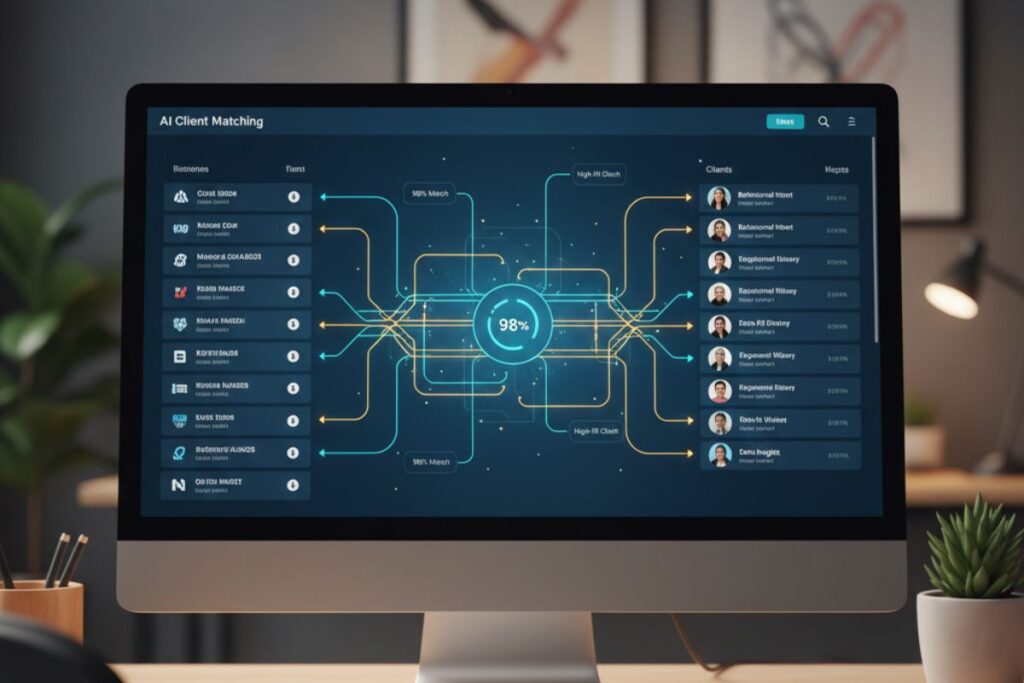
Lusha is an AI-powered sales intelligence and AI lead generation platform that helps you find and connect with the right business contacts fast. It pulls verified B2B data, like phone numbers, emails, and company details, so you can focus on selling instead of stalking LinkedIn all day. For anyone curious about practical AI lead generation without a PhD in data science, Lusha is a strong, beginner-friendly pick.
Main Features
i. AI-powered prospect suggestions
Lusha uses AI to analyze your ideal customer profile and your past searches, then recommends new prospects that look like your best clients. Think of it as a playlist, but instead of songs, you get people who might actually pay you. These AI prospect “playlists” refresh automatically, giving you a steady stream of fresh leads without manual digging. This makes AI lead generation feel more like Netflix recommendations and less like punishment.
ii. Huge verified B2B contact database
Lusha gives access to hundreds of millions of business contacts with verified emails and phone numbers. The platform focuses on accuracy, so you are less likely to call random reception desks and ask for “the person who handles everything.” Many users highlight that this reduces bounced emails and wrong numbers, which can quietly kill even the smartest AI lead generation strategy. For anyone serious about outreach, that level of data quality is a big deal.
iii. Powerful search and filters
You can filter leads by industry, company size, job title, location, and more to build precise lists. Instead of downloading a dusty spreadsheet of “maybe relevant” contacts, you search and get exactly the type of people who are likely to care about your offer. This makes AI lead generation focused and targeted instead of spraying your message to the entire internet and hoping for magic. Even if you are new, the simple filters make the tool feel more like a smart search engine than complex software.
iv. Browser extension and LinkedIn integration
Lusha has a browser extension (Chrome and others) that shows verified contact details right on pages like LinkedIn. You visit a profile, click the Lusha icon, and suddenly you have direct dial numbers and emails, which feels a bit like legal superpowers. This turns normal browsing into AI lead generation time because every scroll can reveal a potential client. It is perfect for people who live inside LinkedIn all day anyway.
v. CRM and workflow integrations
Lusha plugs into popular CRMs like Salesforce and HubSpot, so you can push leads into your system with a click. This keeps everything clean, avoids copy-paste chaos, and makes it easier to track the full journey from “found this person” to “closed the deal.” For teams running serious AI lead generation campaigns, this integration means less admin work and more time talking to humans.
vi. Data enrichment and intent signals
Lusha can update and enrich your existing contact lists with missing details and fresh information. On top of that, intent data shows which companies are actively looking for solutions like yours so you can reach out at the right moment. When AI lead generation combines enrichment and intent in this way, you spend less time guessing and more time prioritizing hot leads.
Stay ahead with our Tool of the Day—one brilliant AI or tech gem spotlighted daily to elevate your workflow. For deeper breakthroughs, our Weekly Tech & AI Update delivers trends, tips, and future-ready insights. One scroll could change your game. Go explore.
How Does It Help?
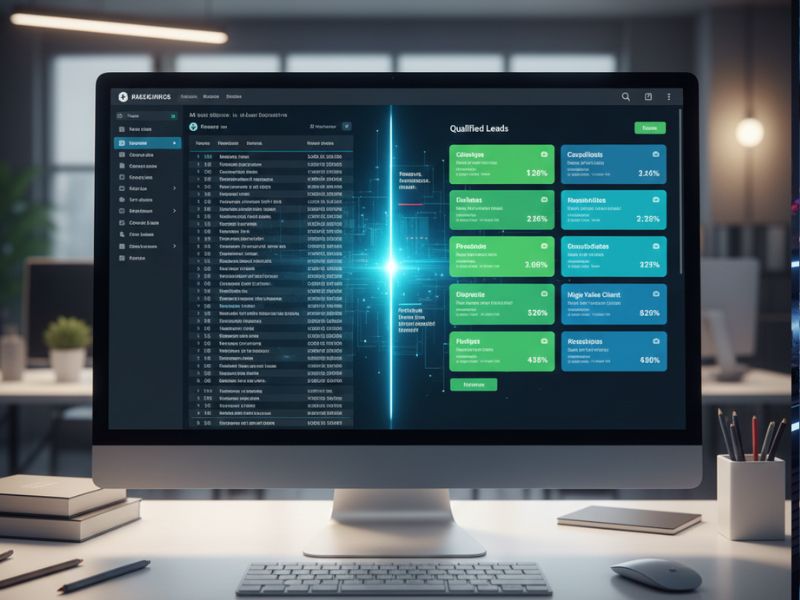
Lusha helps in very practical, wallet-friendly ways. It removes the guesswork, cuts manual research, and lets you talk to the right people faster. Here is how it helps in daily life.
a. Saves hours of manual research
Instead of spending your morning hunting for emails, Lusha delivers ready-to-use contact info in seconds. This is especially useful when your AI lead generation plan is solid, but your patience is not.
b. Increases reply and connection rates
Because data is verified and targeted, more of your emails reach real inboxes and more of your calls hit real phones. That means the same effort produces more replies, which is all anyone really wants from AI lead generation in the first place.
c. Helps you focus on “high-intent” leads
With filters and intent data, you can prioritize people and companies who are actively searching for what you sell. This helps you spend time on the most promising leads instead of politely annoying the wrong people.
d. Keeps your CRM clean and updated
Enrichment and CRM integrations mean your database stays fresh, with fewer duplicates and outdated records. This is boring but vital, because messy data quietly ruins even the most advanced AI lead generation campaigns over time.
e. Makes solo founders look like full sales teams
If you are a freelancer or small business owner, Lusha can make your outreach look surprisingly professional. With smart lists and accurate contacts, your small AI lead generation setup can compete with bigger teams that still live in spreadsheets.
Interesting examples
- The exhausted freelancer
A solo marketing consultant uses Lusha to pull a list of 100 marketing directors in SaaS companies with verified emails. Instead of random outreach, they send tailored pitches and land three discovery calls in one week, which beats yelling into the LinkedIn void. - The startup founder on a budget
A founder uses AI lead generation with Lusha to narrow down potential investors who actually invest in their niche and stage. With better data, their emails sound less like spam and more like “Hey, you actually invest in companies like us,” which gets replies. - The recruiter who hates spreadsheets
A recruiter uses Lusha’s browser extension to grab direct contact details of niche engineers straight from LinkedIn. Instead of messaging “Hi, connect?” and crying, they email and call directly, speeding up placements and commissions. - The sales team stuck with old data
A sales team enriches a 5,000-contact list with updated phone numbers and job titles using Lusha. Old AI lead generation campaigns start working again because they finally talk to people who still work at those companies. - The agency testing a new niche
A digital agency uses Lusha to quickly build a small but accurate list of ecommerce founders to test a new service offer. Within days, they learn which messages and angles work, without wasting months on bad data.
Getting Started in 3 Steps

Step 1: Sign up on the website
Go to https://www.lusha.com and create an account in a few clicks. You can usually start with a free plan or trial to test the waters without sacrificing your coffee budget.
Step 2: Install the browser extension and connect your tools
Add the Lusha extension from the Chrome Web Store or your browser’s store. Then connect your CRM or tools you already use, like Salesforce or HubSpot, to streamline AI lead generation and data sync.
Step 3: Define your ideal customer and start searching
Set your filters based on things like industry, job title, and location. Once done, let Lusha’s AI lead generation engine recommend contacts, build lists, and push them into your outreach sequences.
Use Cases
i. Outbound sales teams
Sales reps can quickly find decision-makers in target accounts, access direct dials, and start meaningful conversations. This makes Lusha a practical daily driver for AI lead generation focused on outbound deals.
ii. Agencies and consultants
Agencies can build niche-specific lead lists, test offers, and run targeted outreach campaigns. Instead of guessing which businesses might need them, they use data-backed AI lead generation powered by Lusha to find people already in the right role and industry.
iii. Recruiters and talent teams
Recruiters can identify hard-to-find candidates and contact them directly without waiting for job boards. AI lead generation here becomes “talent generation,” turning a slow hiring process into something much more predictable.
iv. Founders and small businesses
Small businesses with tiny teams can use Lusha to punch above their weight in outreach. Instead of hiring a full sales department, they use focused AI lead generation lists to reach only the most relevant prospects.
v. Product-led growth and partnerships
Teams looking for partners, resellers, or strategic collaborators can use filters to find ideal companies and contact the right stakeholders. This turns vague “networking goals” into structured AI lead generation campaigns with clear targets.
vi. Market research and validation
Before launching a new feature or product, teams can use Lusha to find and interview specific customer segments. AI lead generation in this context is less about selling and more about learning, but it still relies on the same accurate data.
Real-Life Examples with a Fun Twist
- The “coffee shop CEO”
A solo founder runs their entire AI lead generation process from a noisy café with weak Wi-Fi and strong coffee. With Lusha, they grab targeted contacts in 30 minutes and spend the rest of the day pretending to “strategize” while actually scrolling memes. - The sales rep who hates small talk
A rep uses Lusha to skip random gatekeepers and go straight to decision-makers who actually have budgets. Now their calls start with “I saw you handle growth at X” instead of “Can you connect me to someone important,” which saves everyone’s time and dignity.
- The recruiter who beat Monday
On Monday morning, a recruiter pulls 50 targeted profiles with verified emails for an urgent role. By Wednesday, they have interviews booked, and for once, they are not explaining to their boss why “the pipeline is building.”
- The agency owner who hates Excel
An agency owner used to spend Sundays cleaning lead spreadsheets and questioning life choices. Now they use Lusha’s AI lead generation tools and integrations to build and sync lists automatically, and Sunday is finally for naps and cricket.
- The marketer who “accidentally” closed a deal
A growth marketer was just “testing” messaging on a small list from Lusha. One of those test emails turned into a big client, and the marketer now loudly supports “data-driven AI lead generation” in every meeting.
- The founder who feared cold outreach
A shy founder hated cold emailing and felt like a spammer. With Lusha’s targeted lists and better understanding of ideal customers, they now send fewer but much smarter emails and actually get warm responses instead of cold silence.
Common Mistakes to Avoid
a. Treating every contact like a mass email target
Some people grab a huge list from Lusha and send the same message to everyone. This kills results and makes AI lead generation look bad, when the real issue is the lazy message, not the data. Always segment and personalize at least a little.
b. Ignoring your ideal customer profile
If you skip defining who you want to target, you will get random contacts that do not convert. AI lead generation works best when your filters match real business goals, not “everyone with a job title that sounds cool.”
c. Not syncing with your CRM
Many beginners leave their leads in CSV files or scattered exports. Without proper syncing, AI lead generation becomes chaos and you end up contacting the same person three times with slightly more desperate messages.
d. Forgetting to warm up your outreach
Accurate data does not mean you can blast aggressive sales emails on day one. Use Lusha’s data to open friendly conversations, add value, and show you understand their world, or your AI lead generation efforts will feel robotic.
e. Overlooking compliance and privacy
Lusha is built with strong privacy standards like GDPR and CCPA compliance, but you still need to respect local rules and best practices. AI lead generation must stay ethical, or short-term wins can lead to long-term headaches.
Simple examples of mistakes
- Sending “Hi {FirstName}” without fixing the tag
A user exports leads from Lusha, forgets to check merge tags, and sends “Hi {FirstName}” to 200 people. Great data, tragic execution. - Targeting interns instead of decision-makers
Someone filters only by company size and not job title, then proudly emails interns about six-figure deals. AI lead generation cannot save you from wrong targeting. - Never cleaning old lists
A team enriches data once and then ignores it for a year. People change jobs, and suddenly they are pitching your old clients at new companies. - Buying a big plan before testing
A small team goes all-in on a large plan without testing workflows. They use 10 percent of what is available and blame the tool instead of their process. - Using only email and ignoring phone numbers
Users rely only on email even though Lusha gives direct dials. A quick call could unlock deals that emails never would.
Friendly Final Thoughts and Tips for Beginners
AI lead generation does not have to be scary, complicated, or boring, especially with tools like Lusha handling the heavy data lifting. You still bring the human touch; Lusha just makes sure you are talking to the right humans.
Tips for beginners: