Jasper Art is designed mainly for marketers, creators, and businesses that need fresh visuals all the time but do not have the budget or patience for long design cycles. It focuses on fast, on brand visuals that are good enough for web graphics, social posts, banners, and editorial style images. You can explore the tool directly from Jasper’s site here: https://www.jasper.ai/image-suite.
Main Features
Text to Image in Seconds
Type a description like “neon cyberpunk city in watercolor” and get four unique images fast. This AI art generator handles the complexity—you just pick your favorite Jasper AI illustration.
Unlimited Generations
Experiment endlessly on eligible plans without credit limits. Perfect for testing styles until your Jasper AI illustrations nail the vibe.
Style Controls
Pick realistic, cartoon, or painterly moods to match your prompt. Turns “coffee shop” into endless variations via the AI art generator.
Web-Ready Outputs
High-res, royalty-free images for posts, ads, and blogs. No license worries with these Jasper AI illustrations. Jasper Integration
Create text and visuals in one dashboard. Streamlines workflows for marketers using the AI art generator.
Stay ahead with our Tool of the Day—one brilliant AI or tech gem spotlighted daily to elevate your workflow. For deeper breakthroughs, our Weekly Tech & AI Update delivers trends, tips, and future-ready insights. One scroll could change your game. Go explore.
How Does It Help?
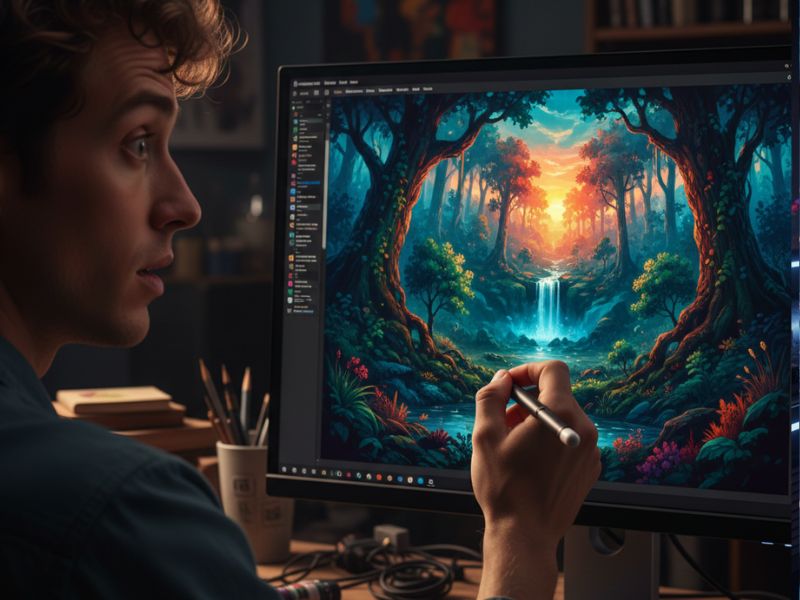
Jasper Art helps users cut down on the time, cost, and hassle of getting good visuals. Instead of waiting days for a designer or scrolling through stock image sites for hours, you type what you want and let the AI art generator do the heavy lifting. Jasper AI illustrations give people who “cannot draw” a way to still create eye catching, custom visuals that match their ideas.
i. Faster Content Creation
Content creators can ship posts, newsletters, and landing pages much faster because the visual part no longer blocks the process. When an idea hits, you can generate matching Jasper AI illustrations on the spot and publish while your energy is still high. This is especially helpful for solo creators and small teams who cannot afford long delays.
ii. Lower Design Costs
Hiring designers for every banner or social post can get expensive, especially for small businesses. Jasper Art acts like an AI art generator “intern” that works 24/7 and never complains about revisions. You still might bring in a human designer for big projects, but for everyday visuals, Jasper AI illustrations can cover a lot of ground.
iii. More Creative Experiments
Because generations are unlimited, you can try risky or playful ideas you would never pay an agency to explore. Want a “medieval knight drinking bubble tea in space” just to see if it could be your next brand meme? Type it in and see what happens. This kind of low risk experimentation helps brands find fresh visual directions powered by an AI art generator instead of repeating the same stock images forever.
iv. On Brand Visual Consistency
Using similar prompts, styles, and moods, teams can create a coherent visual style over time. Jasper Art lets you refine prompts and save patterns so your Jasper AI illustrations start to look like they belong to one family, not ten random planets. That makes it easier to build a recognizable brand presence even if you do not have an in house design team.
v. Examples That Bring It Alive
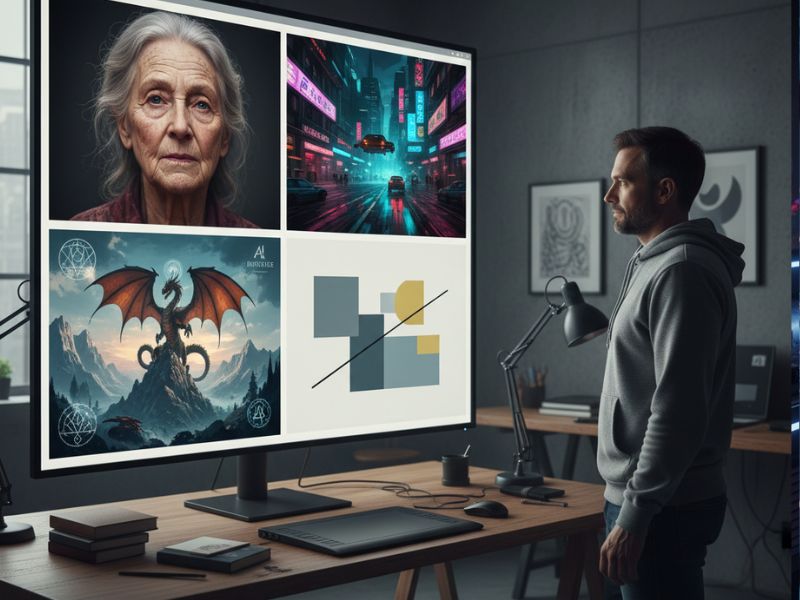
i. A solo blogger writing about productivity wants a clean, calm header image but has zero design skills. They ask the AI art generator for “a minimalist desk with a laptop, coffee, and sunrise lighting” and instantly get four peaceful Jasper AI illustrations, finally retiring that overused stock photo with the suspiciously happy coffee drinker.
ii. A small bakery needs daily social posts but cannot afford a photographer. They use Jasper Art to generate fun images like “cartoon croissant doing yoga” or “realistic chocolate cake with dramatic lighting,” and their followers start commenting just to see what the bakery posts next.
iii. A startup pitching investors wants concept art of its futuristic app interface in real life. They type “person using a holographic finance app in a cozy living room” into the AI art generator and use the Jasper AI illustrations in their slide deck, making the idea feel far more real than a plain wireframe.
iv. A teacher building a slide deck on outer space wants engaging visuals for students. They quickly generate images like “child friendly illustration of the solar system with smiling planets,” turning a dry lesson into something kids actually look at without threatening their grades.
v. A YouTuber needs unique thumbnails for every video but hates Photoshop. With Jasper Art, they describe scenes like “dramatic close up of a shocked face with digital code raining in the background” and use the AI art generator results as thumbnail bases, adding text in a simple editor later.
vi. An indie game dev prototypes world concepts by generating Jasper AI illustrations of forests, cities, and characters before any 3D modeling starts. This makes world building faster, and yes, also dramatically increases the amount of “epic cloaks” in their game idea folder.
Getting Started in 3 Steps
i. Sign Up for Jasper
Go to https://www.jasper.ai and create an account, starting with a free trial if available. Choose a plan that includes the image suite so you can access Jasper Art inside the platform.
ii. Open the Art Section
Once logged in, look for the “Art” or “Image Suite” option on the left sidebar and click it. This opens the Jasper Art workspace where you can enter prompts, pick styles, and see your Jasper AI illustrations appear.
iii. Write a Prompt and Generate
Type your description, choose any style or mood options you want, and hit the create button. In a few seconds, the AI art generator shows you multiple images; download the one you like or tweak the prompt and try again.
Use Cases
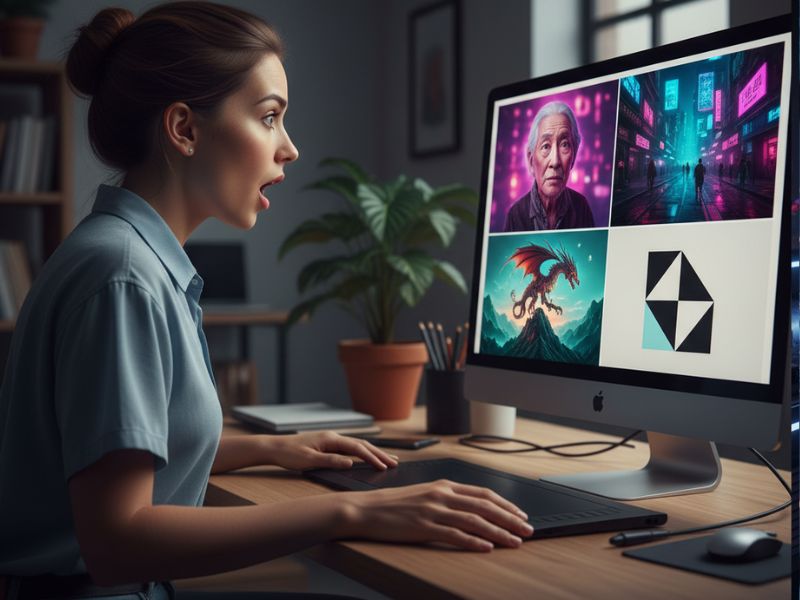
i. Blogging and Articles
Writers can use Jasper Art to generate custom header images, section visuals, and illustrations that match each post topic. Instead of dull stock photos, you get Jasper AI illustrations that reflect your exact story, from “calm morning routines” to “chaotic email inbox monsters.”
ii. Social Media Campaigns
Social media managers can create eye catching images for carousels, stories, and ads in minutes. The AI art generator lets them tailor visuals to trends, seasons, and memes without waiting on a design queue, keeping content fresh and reactive.
iii. Email Marketing
Marketers can add simple but striking visuals to newsletters and drip campaigns to boost clicks and engagement. Using Jasper AI illustrations that match subject lines and CTAs makes emails feel more crafted and less like something your inbox wants to hide in the spam folder.
iv. Ad Creatives and Landing Pages
Performance marketers can spin up multiple visual variations to A/B test quickly. The AI art generator makes it affordable to test different backgrounds, characters, and moods, then double down on the Jasper AI illustrations that perform best.
v. Presentations and Pitch Decks
Founders, students, and professionals can level up their slides with custom visuals that illustrate key ideas. Instead of clip art, they use Jasper AI illustrations that show their exact scenario, such as “customers happily using our app on a beach, not thinking about bugs.”
vi. Education and Training Material
Teachers and trainers can create kid friendly or professional visuals for worksheets, tutorials, and course platforms. The AI art generator makes it easier to explain complex topics with images, which is especially useful when attention spans mysteriously vanish after slide 7.
vii. Personal Projects and Hobbies
Hobbyists can generate art for posters, wallpapers, character ideas, or even tabletop game assets. Jasper AI illustrations give non artists a way to bring worlds, stories, or silly inside jokes to life without learning ten new art tools.
Real Life Examples to Bring It Alive
i. The Overwhelmed Blogger: A blogger writing five posts a week kept delaying publishing because she “still had to find images.” After switching to Jasper Art, she starts generating a matching header in under a minute for each post, and suddenly her real problem becomes resisting the urge to add a dragon into every single AI art generator output.
ii. The Budget Friendly Startup: A tiny SaaS startup cannot afford a designer, so the founder uses Jasper AI illustrations for all their landing page and ad visuals. Investors are surprised when the slides look polished, and the founder quietly thanks the AI art generator instead of pretending to be a secret design genius.
iii. The Teacher With Zero Time: A school teacher preparing a science fair deck the night before (of course) uses Jasper Art to create images of robots, planets, and lab scenes. The kids love the visuals so much that they ask which cartoon show they are from, and the teacher proudly says, “The show is called ‘I typed this at 1 am.’”
iv. The Social Media Meme Warrior: A social media manager for a local cafe uses Jasper AI illustrations to create meme worthy coffee characters. One AI art generator image of “espresso cup looking tired but determined” accidentally becomes the unofficial mascot of Monday mornings, and engagement shoots up.
v. The Course Creator: An online course creator uses Jasper Art for chapter thumbnails, lesson slides, and promo graphics. Students keep complimenting “the designer,” and the creator smiles politely while mentally high fiving the Jasper AI illustrations that saved them weeks of work.
vi. The DnD Dungeon Master: A dungeon master generates custom AI art generator scenes of taverns, dragons, and cursed forests before each session. The players are blown away by the visuals, and nobody suspects the DM’s actual drawing skill tops out at “mildly wobbly stick dragon.”
vii. The Freelancer Reinventing Their Portfolio: A freelance marketer refreshes their portfolio using Jasper AI illustrations to mock up sample campaigns. Clients think they worked with big design teams; in reality, it was just the AI art generator, a laptop, and a lot of slightly evil giggles.
Common Mistakes People Make
. Writing Vague Prompts: Beginners type “nice picture” and get boring results. Jasper Art needs details like setting, mood, and style. Example: Swap “cat” for “fluffy cat in sunglasses on a laptop, cartoon style” – magic happens.
ii. Ignoring Style Options: Users skip style settings, so images look samey. These controls make outputs painterly, realistic, or fun. Example: Add “watercolor” to your prompt for artsy vibes, not bland photos.
iii. Expecting Logo Perfection: Folks demand pro logos from an AI art generator – it struggles with precision. Use it for concepts, not final brands. Example: Generate mascot ideas, then hire a human for polish.
iv. Quitting After One Try: Newbies try once and bail when it’s “wrong.” Tweak prompts slightly for big changes. Example: Add “cinematic night city” to boring scenes – boom, movie poster energy.
v. Overloading Content: Easy generations lead to visual clutter everywhere. Pick one strong image per idea. Example: Don’t neon-bomb every slide; let Jasper AI illustrations breathe.
Friendly Conclusion and Tips for Beginners
Jasper Art makes it possible for anyone to turn ideas into visuals in seconds using an AI art generator that feels fun, not scary. Jasper AI illustrations can lift your blog, social feeds, and projects without demanding design skills, fancy tools, or a giant budget.
Beginner tips and encouragement:
i. Start simple: Use short but clear prompts, then add more detail as you get a feel for how the AI responds.
ii. Steal from yourself: When a Jasper AI illustration looks great, reuse and lightly tweak that prompt for future images